X-H2S
Verified
Recipe management for Fujifilm cameras
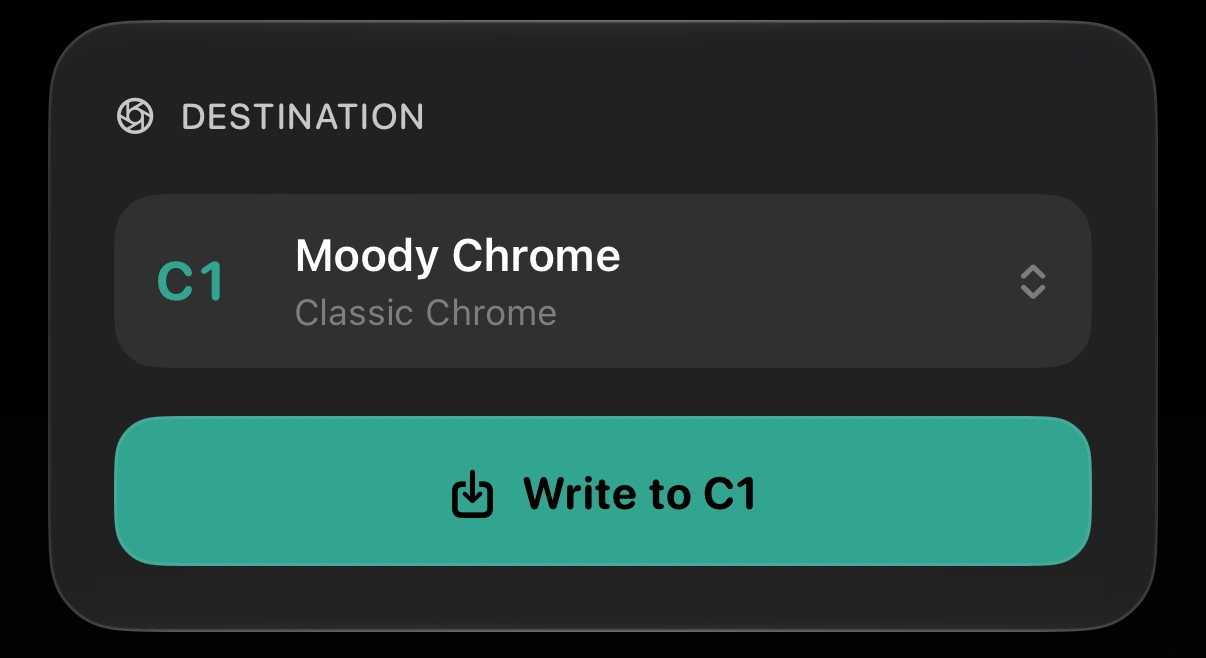
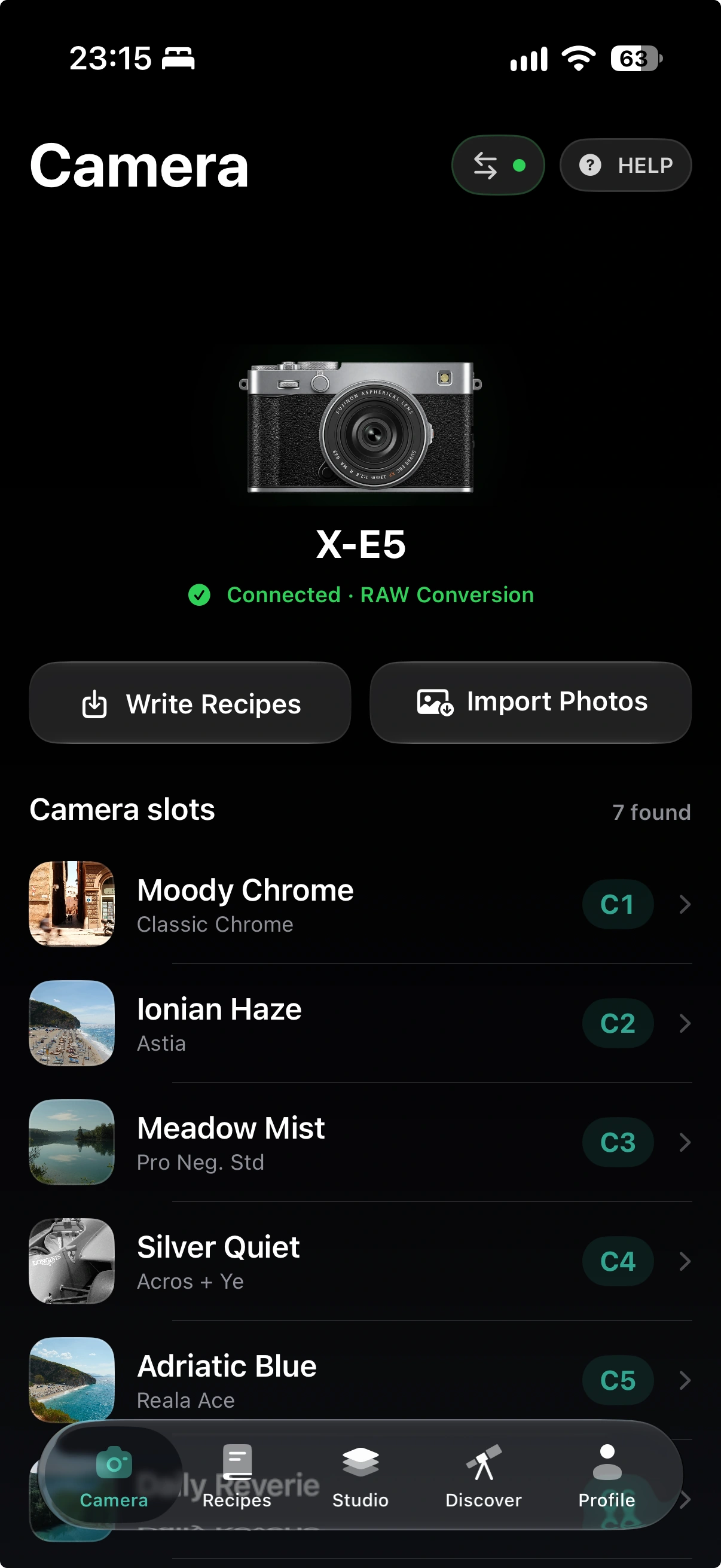
Find a recipe you love. Try it on your own RAW photos, fine-tune the result with your camera’s colour engine, and save it to the camera for your next shoot.
For iPhone · Requires iOS 17 or later · Independent app

FEATURE SET
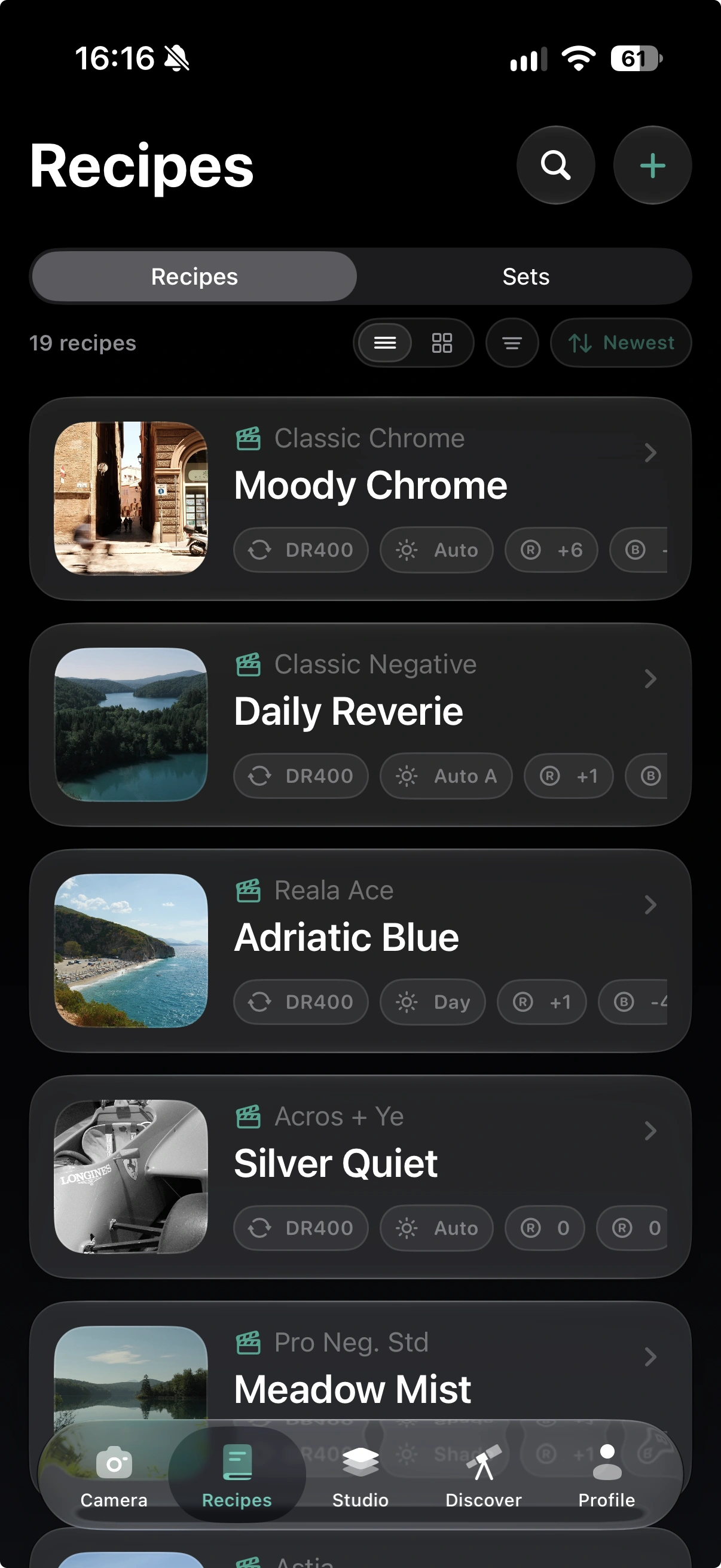
From the recipes in C1–C7 to the next look you discover: organise your collection, try it on a photo, and take your favourites back to the camera.
Connect
Send
Render
Tune
Match
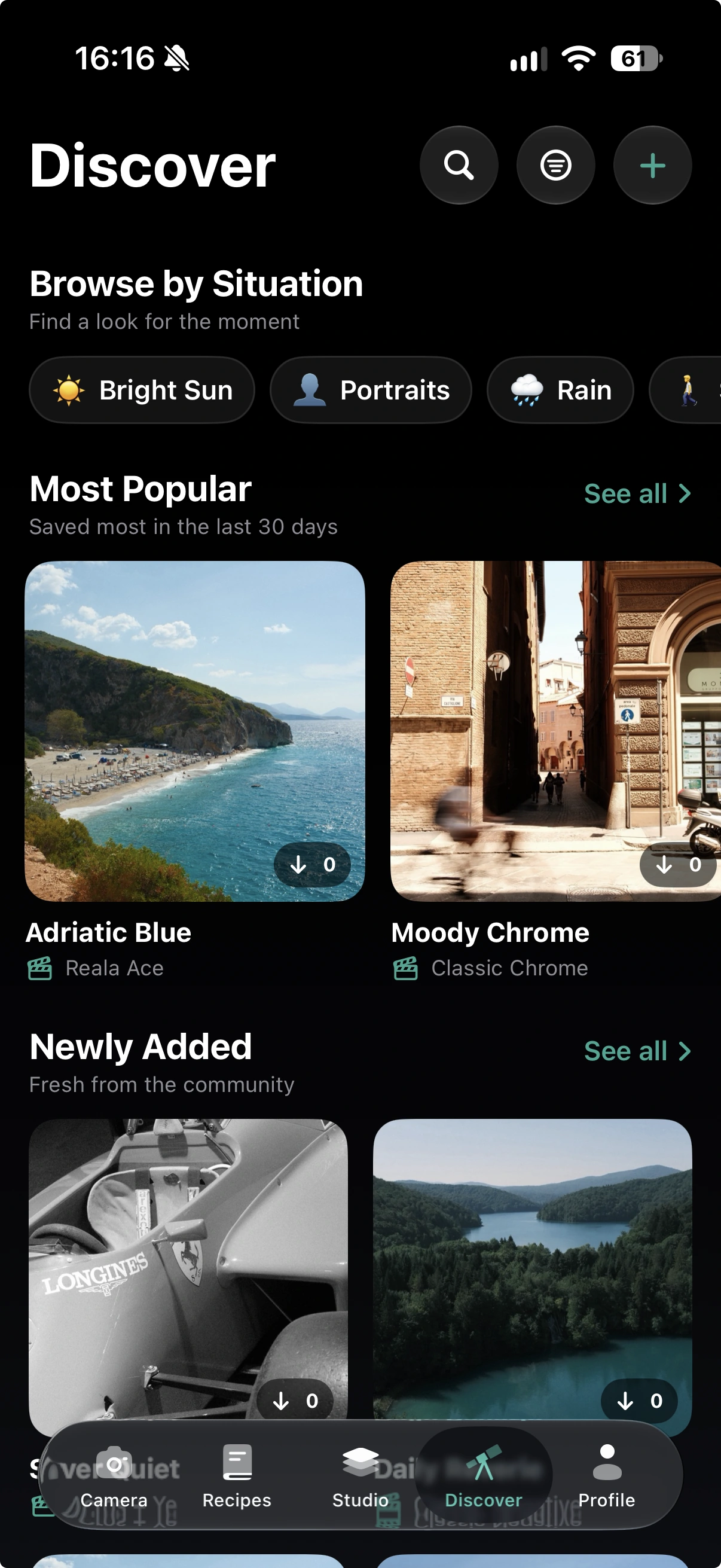
Discover
STUDIO
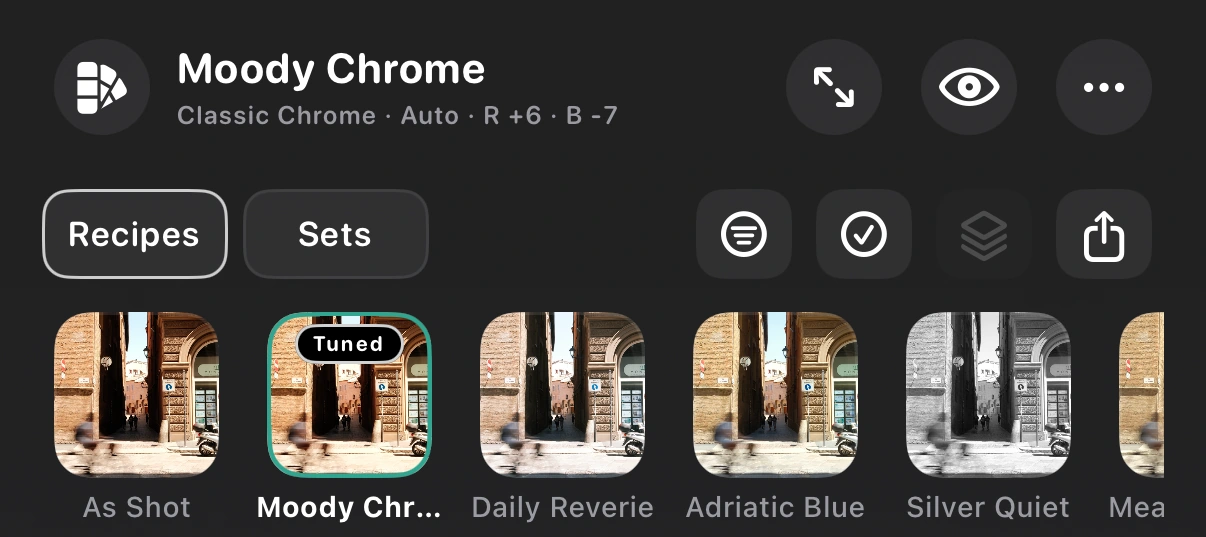
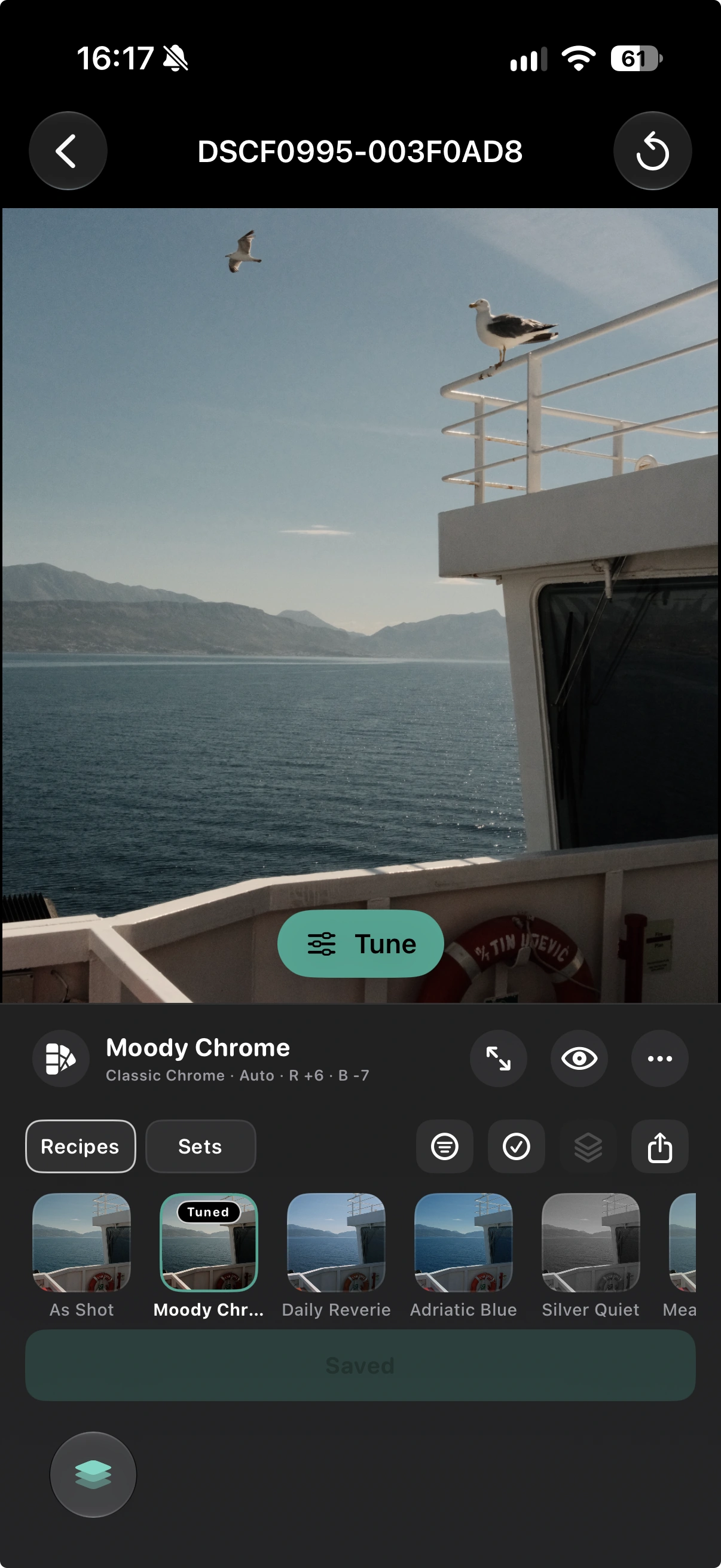
The same photo can feel completely different with another recipe. Try looks from your Library or community Recipes, then compare each camera-rendered JPEG with As Shot to find your favourite.
Render selected recipes or use Render All. Keep your compatible camera connected in USB RAW Conversion mode until the batch finishes.
MATCH, TUNE, AND USE
Forgot what recipe you used? Closest Saved Recipe compares the settings recorded in your RAW photo with your Library and shows the differences. Adjust the available settings, render again, and save the version you love.
LATEST COMMUNITY RECIPES
Soft portraits, rich greens, or a look for the city after dark. Explore the latest community recipes, then try your favourites on your own photos in Studio.
LOCAL BY DEFAULT
Recipes in your local Library, imported RAW files, and camera operations stay on your device unless you explicitly choose a network feature such as community Recipes, iCloud Sync, or optional diagnostics.
SUPPORTED CAMERAS
These models are verified for recipe writing and Studio rendering. Other Fujifilm cameras may be detected, but are not currently verified for those operations.
Verified
Verified
Verified
Verified
Verified
Verified
You’ll need an iPhone with iOS 17 or later and a USB data cable. See connection guidance
FAQ
No. Fuji Recipe Studio is an independent app and is not affiliated with, sponsored, or endorsed by Fujifilm Corporation. FUJIFILM and camera model names are used only to describe compatibility.
Use a data-capable USB cable—not a charge-only cable. Recipe reading and writing require the supported USB connection mode shown in the app. Studio rendering requires the camera to remain connected in USB RAW Conversion mode.
iPad is not part of the launch support commitment yet. Fuji Recipe Studio is currently being prepared for iPhone running iOS 17 or later; iPad support will follow only after the full camera workflow has been validated.
Your local Library, recipe editing, RAW inspection, and compatible camera workflows are designed to work locally. Community recipes, iCloud Sync, purchases, and optional diagnostics require a network connection.
No. Imported RAW files remain your originals. Studio sends settings to the connected camera for conversion and exports new JPEG files; it does not overwrite the source RAW file.
The app will be free to download. Optional in-app purchases unlock some capabilities and higher limits; the final offer will be shown clearly in the App Store and inside the app.
Local recipes, RAW files, and camera operations stay local unless you explicitly use a network feature such as community Recipes, iCloud Sync, or optional diagnostics. See the Privacy page for the full launch disclosure.
Use the Support page for setup guidance and contact information. Public support details will be added before the website and App Store listing go live.
COMING TO THE APP STORE
Keep your recipes together, try new looks on your photos, and take the best ones back to your camera.
Coming soon for iPhoneThe download link will be available here when the app launches.
Optional in-app purchases unlock some capabilities and higher limits.